Docs / Nebula Sound System documentation / 6. Instruments
6. Instruments
Choosing an instrument, the 263 factory patches, the Sampler, the Drum Rack, the Instrument Rack, the Node view, FM and the step sequencer.
Pick an instrument in the left browser (or drop a patch on a track). The instrument card in the bottom panel then shows its controls.
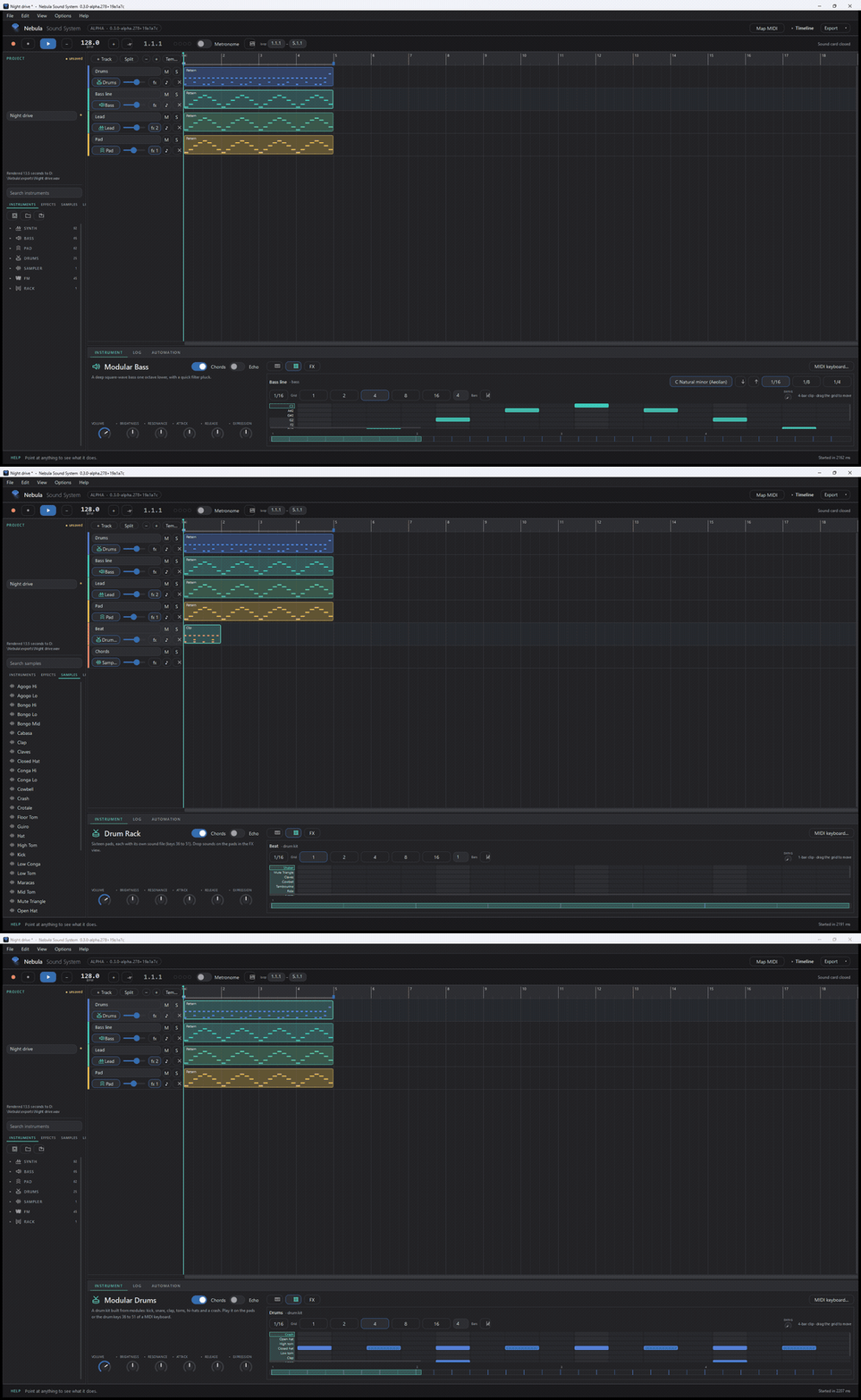
The library: 263 built-in patches in four families — SYNTH (leads and keys), BASS, PAD, FM — plus the Sampler, the Drum Rack and the Instrument Rack. 24 of the patches are complete drum-machine kits (606, 707, 808, Acid, Breaks, Cinematic, Deep House, Drum and Bass, Electro, Funk, Garage, Hip-Hop, Jazz, Jungle, Kitchen Keys, Latin, Minimal, Orchestral, Percussion, Reggae, Rock, Techno, Trance, Trap).
- Knobs: the six big ones (volume, brightness, resonance, attack, release, expression) are the macros for that patch. Hover one to see what it does.
- Chords / Echo: quick switches on the card.
- Presets: save your own knob settings as a patch and reload them later (the card's patch buttons, or the browser's patch section).
Playing notes
- Computer keyboard:
A W S E D F T G Y H U J Kplays notes,Z/Xchange octave. - MIDI keyboard: plug it in — it is picked up automatically (§10).
- The on-screen piano keys and pads also play.
Sampler
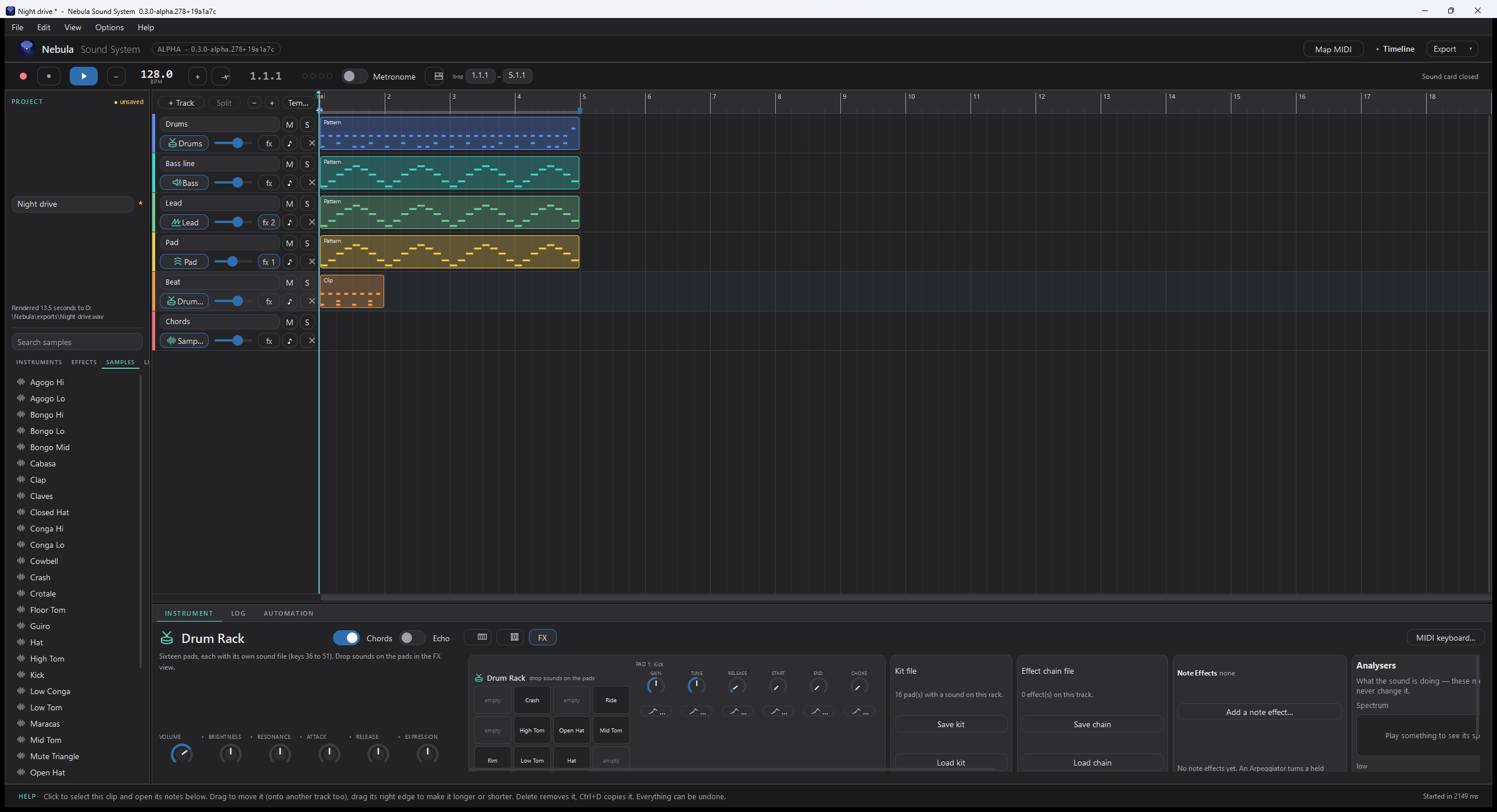
One sound per track: drop in a file, set the root note, tune, attack/release, loop and the start/end points.
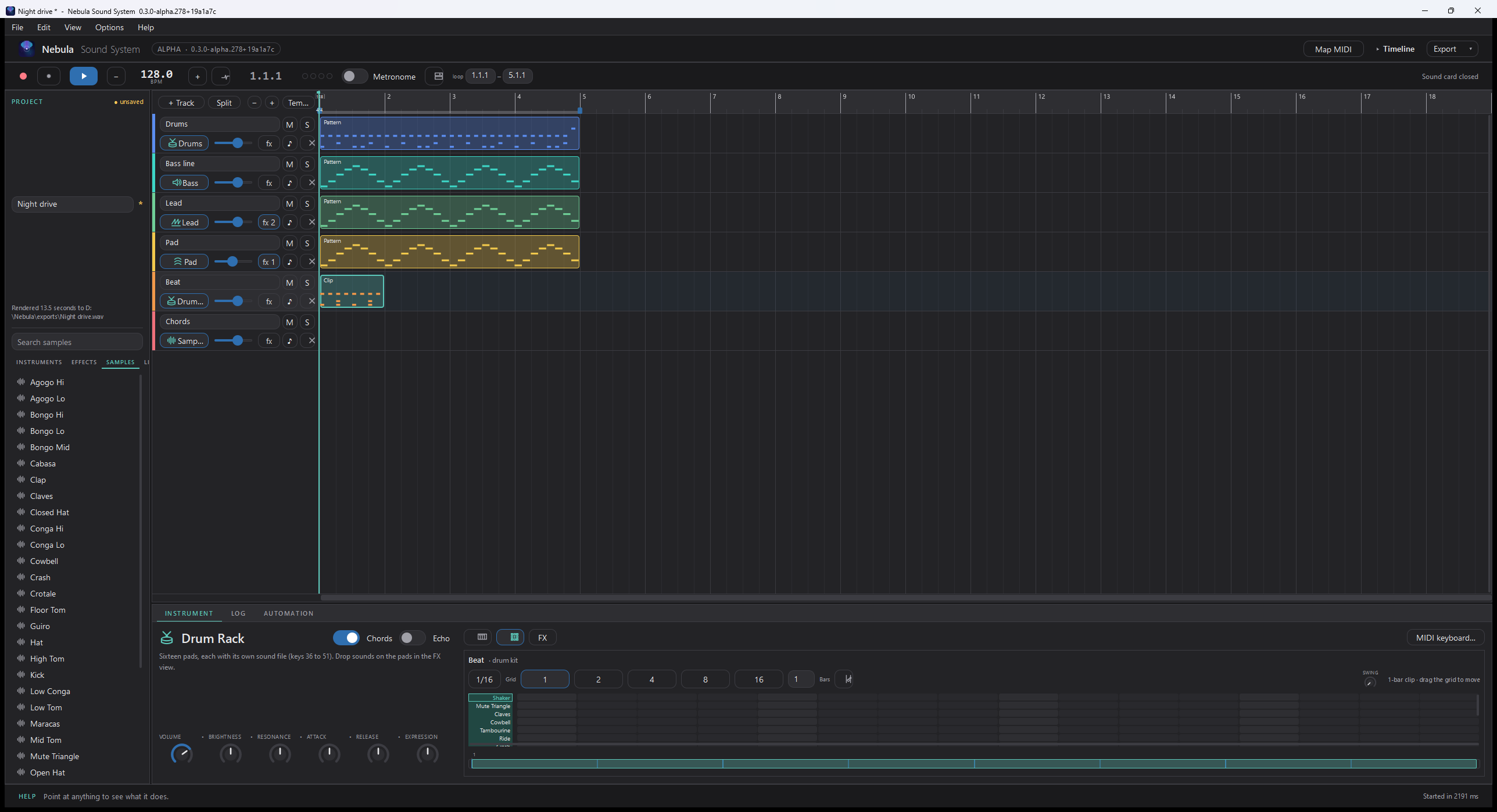
Drum Rack
16 pads, each with its own sound and per-pad gain/tune/release/start/end. Load a kit (.nebkit),
drag a sample onto a pad, or slice a sample across the pads. Pads in a choke group cut each
other off (closed and open hats are wired that way by default).
Instrument Rack
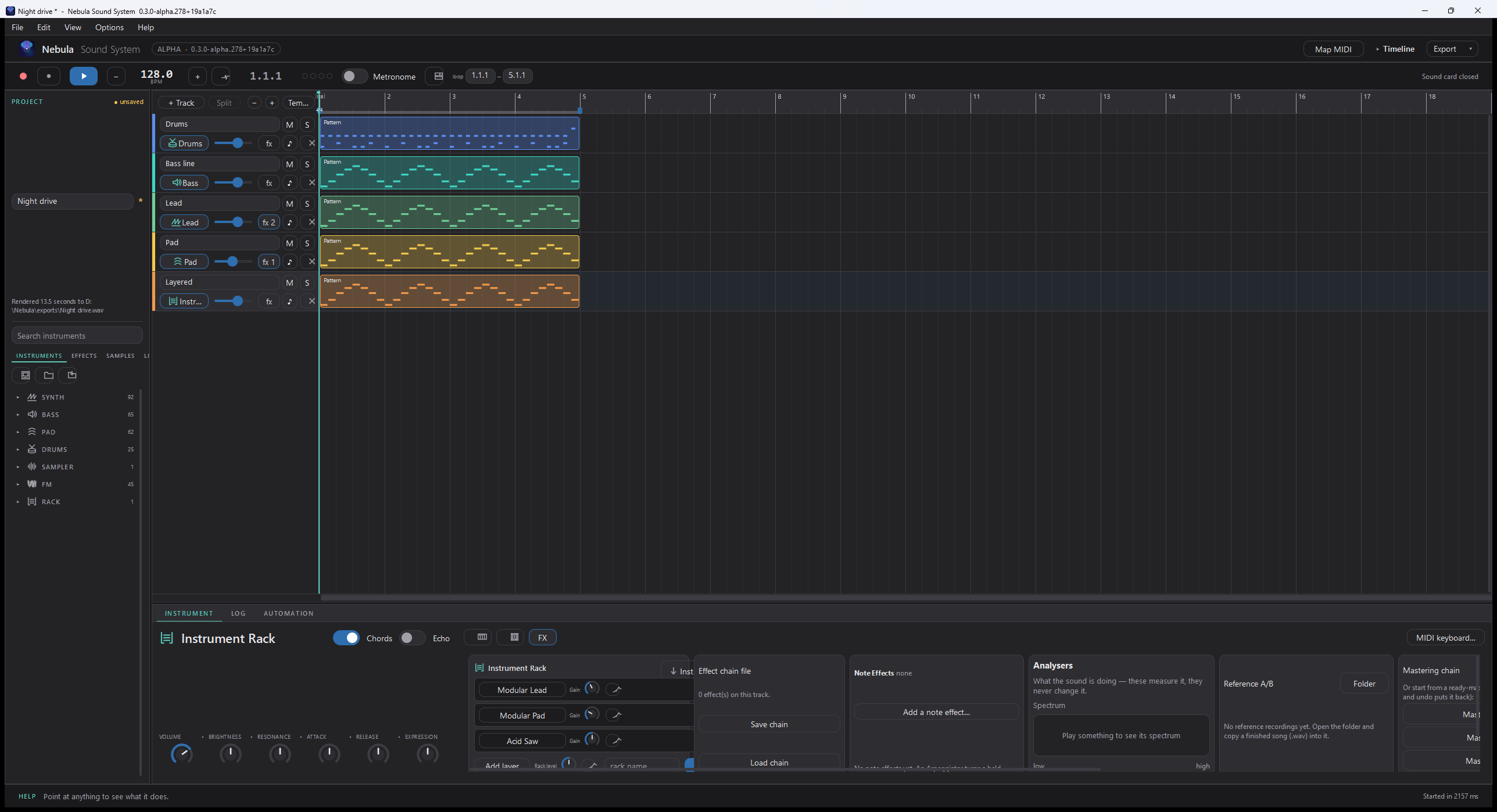
Layers several instruments inside one track, with a gain per layer — a lead with a pad underneath is the default starting point.
The Node view
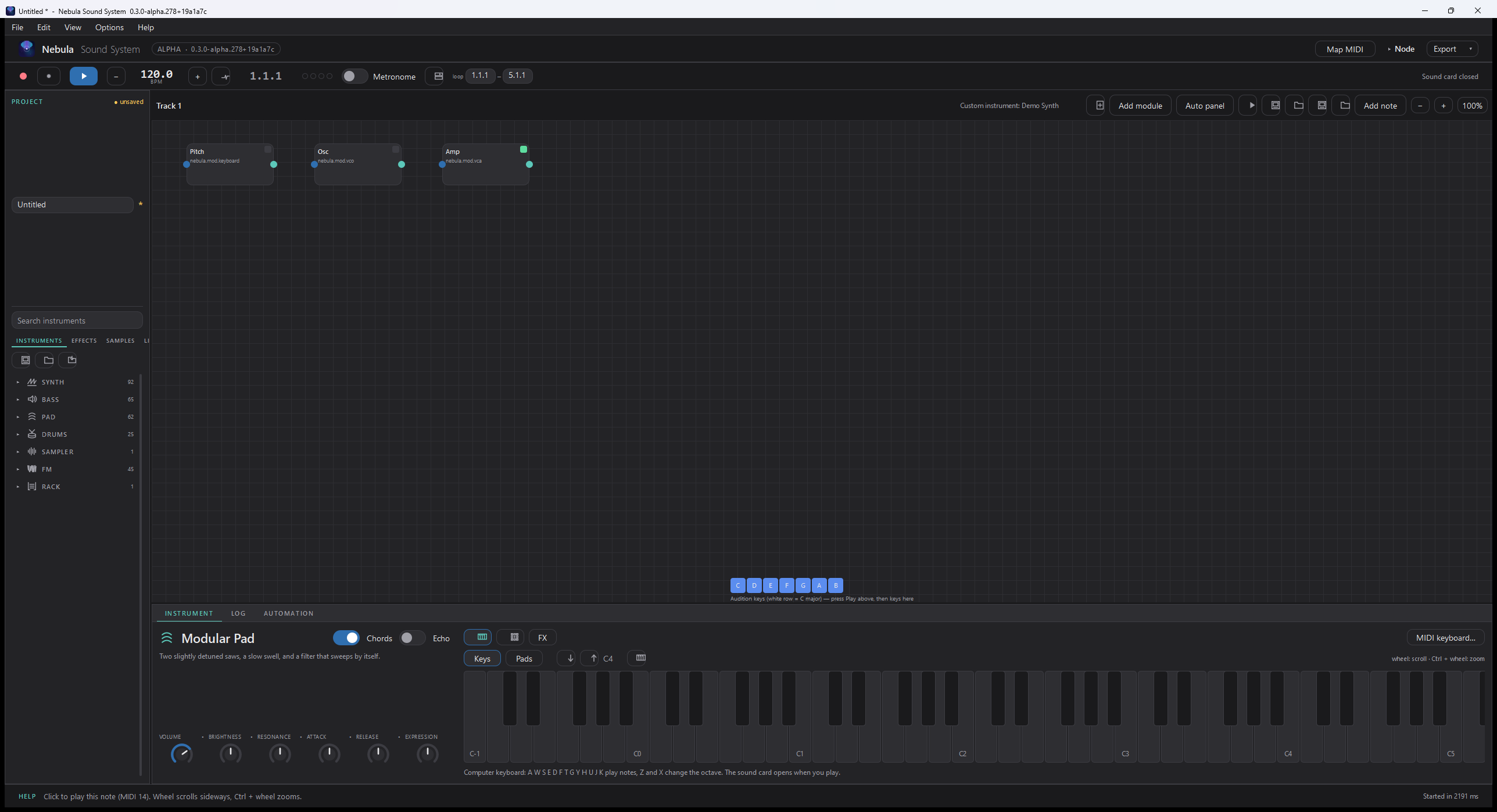
For instruments that do not exist yet: the Node view (Ctrl+Alt+N) lets you build one by wiring modules — oscillators, filters, envelopes — into a graph, and play it like any other instrument.
FM
Four-operator FM instruments with their own operator card and a sound selector.
Step sequencer
For a drum or melodic track, the step grid is a fast way to write patterns: pick a grid size, click steps, and use the key/scale picker if you want to stay in a scale.
Updated 2026-11-03