Docs / Nebula Sound System documentation / 7. Effects
7. Effects
The 33 built-in effects, the device chain, presets, sidechain keys, the master chain, note effects and analysers.
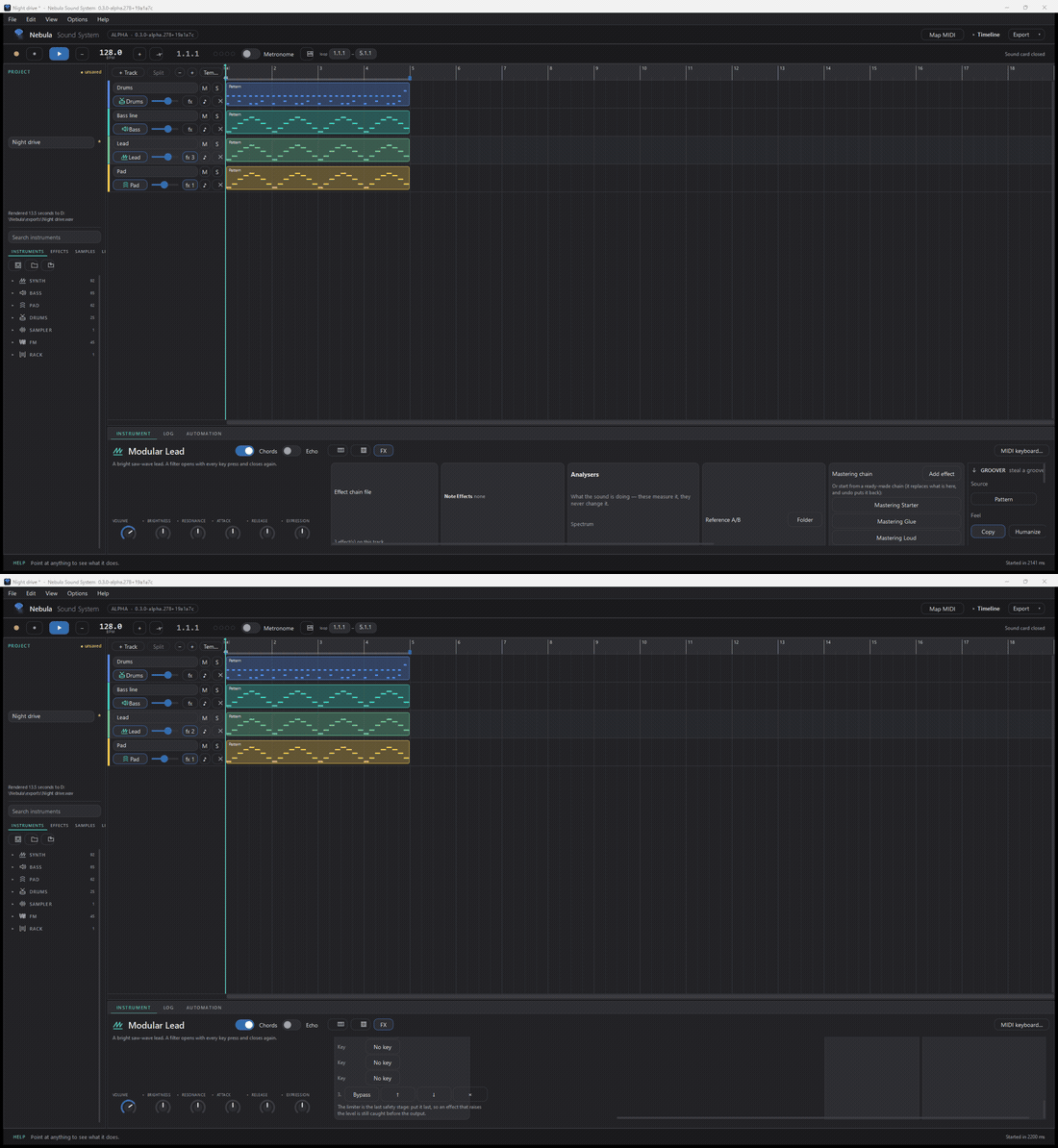
- Add an effect: the track's fx button (or the browser's Effects list) — pick from 33 built-in effects, each with factory presets: delay, ping-pong delay, comb, stutter, Haas, reverb, convolution reverb, EQ, auto-filter, tremolo, auto-pan, vibrato, compressor, multi-band compressor, gate, expander, transient shaper, de-esser, limiter, look-ahead limiter, utility, distortion, saturator, wavefolder, bitcrusher, chorus, flanger, phaser, ring mod, octave, pitch shifter, vocoder, granular.
- Reorder by dragging; bypass with the switch on the card.
- Presets per effect: save and load (
.nebpreset). - Key (sidechain): on any effect that can take a key — a compressor, say — the card has a Key row: choose another track and the effect listens to that track. Ducking a bass with the kick is: put a compressor on the bass, set its Key to the drum track. This works on tracks, groups, returns and the master.
- The master chain is the same idea on the master strip; the Mastering card shows it and ends with a limiter — the last safety stage before the file leaves the app.
- Note effects: a per-track chain of MIDI note effects (arpeggiate, transpose, scale-lock and friends) with its own card — the notes are transformed on the way to the instrument, and the edit is undoable like everything else.
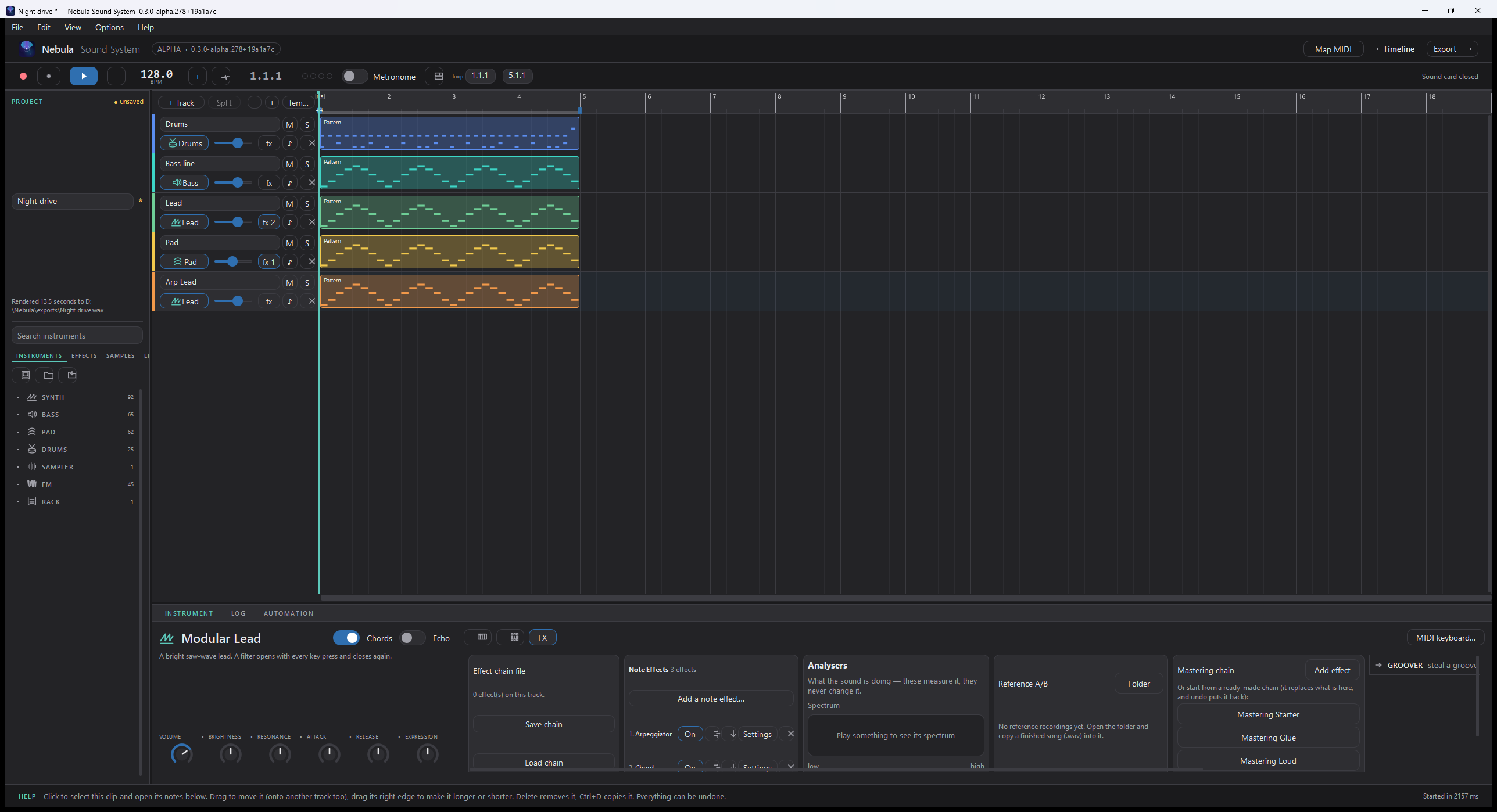
- Analysers: spectrum and loudness, taken from the real render.
Updated 2026-11-03